For mobile app teams
One smart link for your mobile app
One public link for campaigns, bios, QR codes, and landing pages. Every visitor is automatically routed to the right destination.
Automatic routing
Preview-first setup. No SDK required.
Public link example
Share this everywhere
smartlinker.info/runclub-app
Campaigns
Paid and organic
Social bios
One public URL
QR codes
Offline to install
Built for app distribution
Routes users to the right store or website fallback.
Not intended for generic short links or profile pages.
Why mobile app teams need this
The pain is not link creation. It is traffic going to the wrong place.
Separate store URLs, manual redirects, and weak desktop handling quickly turn app distribution into maintenance work.
Wrong store
Someone taps an iOS link from Android — and hits a dead end.
Split links everywhere
Your site, ads, bios, and partner pages all require different store links.
Awkward redirects
Manual “choose your store” pages add unnecessary friction.
Desktop needs a fallback
Desktop visitors should still land somewhere useful.
How routing works
One public link. Three likely outcomes.
Smart Linker gives you one shareable URL and routes visitors by device — no platform selection required.
1
Add destinations
Add your App Store, Google Play, and optional website fallback.
2
Get one public link
Use the same Smart Link across campaigns, bios, QR codes, and landing pages.
3
Route automatically
Each visitor lands in the right store — or on your fallback website.
Concrete example
Public smart link
smartlinker.info/runclub-app
Routing logic
iPhone -> App Store
Android -> Google Play
Desktop -> Website fallback
The onboarding flow stays the same: create the link, review the preview, then activate it.
Where to use it
Built for mobile app distribution.
For teams distributing a mobile app — not for generic short links or profile pages.
App install campaigns
Use one public app link across paid, organic, and partner traffic. How app campaigns use one link →
Social media bios
Share one public app link instead of choosing a single store. App links in social bios →
QR codes
Send offline scans to the right destination. QR codes for app links →
Influencer and partner links
Use one clean link for every external placement.
App landing pages
Route mobile traffic to app stores and desktop visitors to the website. App install link guide →
Product proof
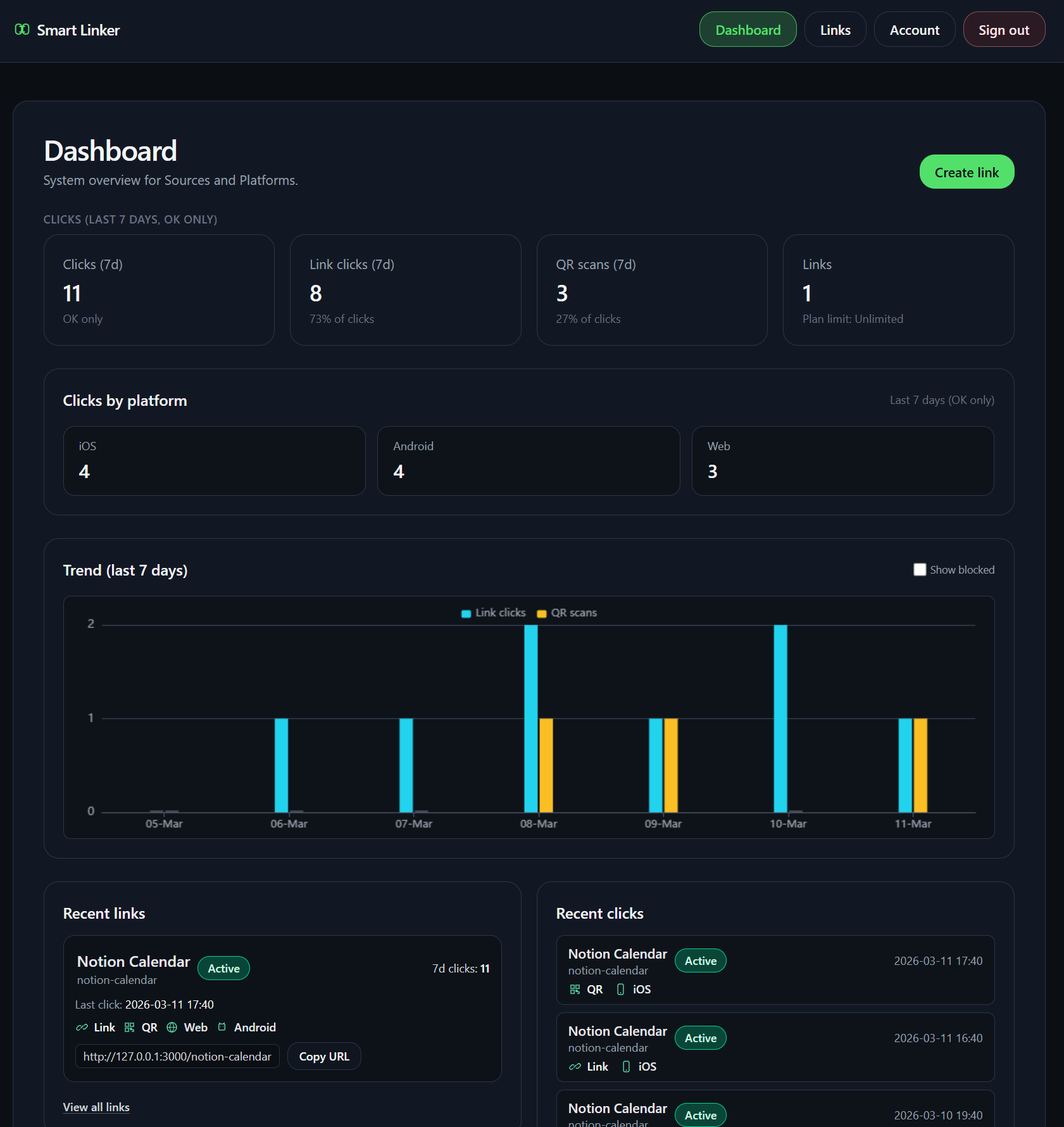
See the real smart link before you activate it.
Create the link, preview the public URL, then activate it.
Preview snapshot
Smart Link preview
smartlinker.info/runclub-app
App Store destination ready
Google Play destination ready
Website fallback ready
Start the flow
Create your first smart link.
Add destinations, preview the link, and activate it.
Preview before activation. No SDK required.
FAQ
Questions teams ask before they use one mobile app link.
What is a mobile app smart link?
It is one public link that routes visitors by device, so iPhone users, Android users, and desktop visitors each land in the right place.
Who is Smart Linker for?
Smart Linker is for app teams that need one stable public link for bios, email, QR campaigns, support replies, and launch pages.
What happens on desktop?
Desktop visitors can go to a web fallback when you add one, which keeps the link useful outside mobile contexts.
Can I use it in social profiles, email, and QR campaigns?
Yes. The same public link can be reused across social profiles, email, QR assets, and campaign placements.
What does Smart Linker not replace?
It does not replace a full attribution platform, a deferred deep-linking stack, or a generic URL shortener.